
Google Ads for Christmas Light Installers: Step-by-Step Setup (2026)
A 20-minute, click-by-click walkthrough of setting up a Google Ads Search campaign for a Christmas light or permanent lighting company, plus the five settings that decide whether it makes you money.
Most lighting contractors who try Google Ads lose money in the first month. Not because Ads doesn't work, but because Google's setup wizard steers you into the expensive defaults: Performance Max, broad match, and paying for clicks instead of leads.
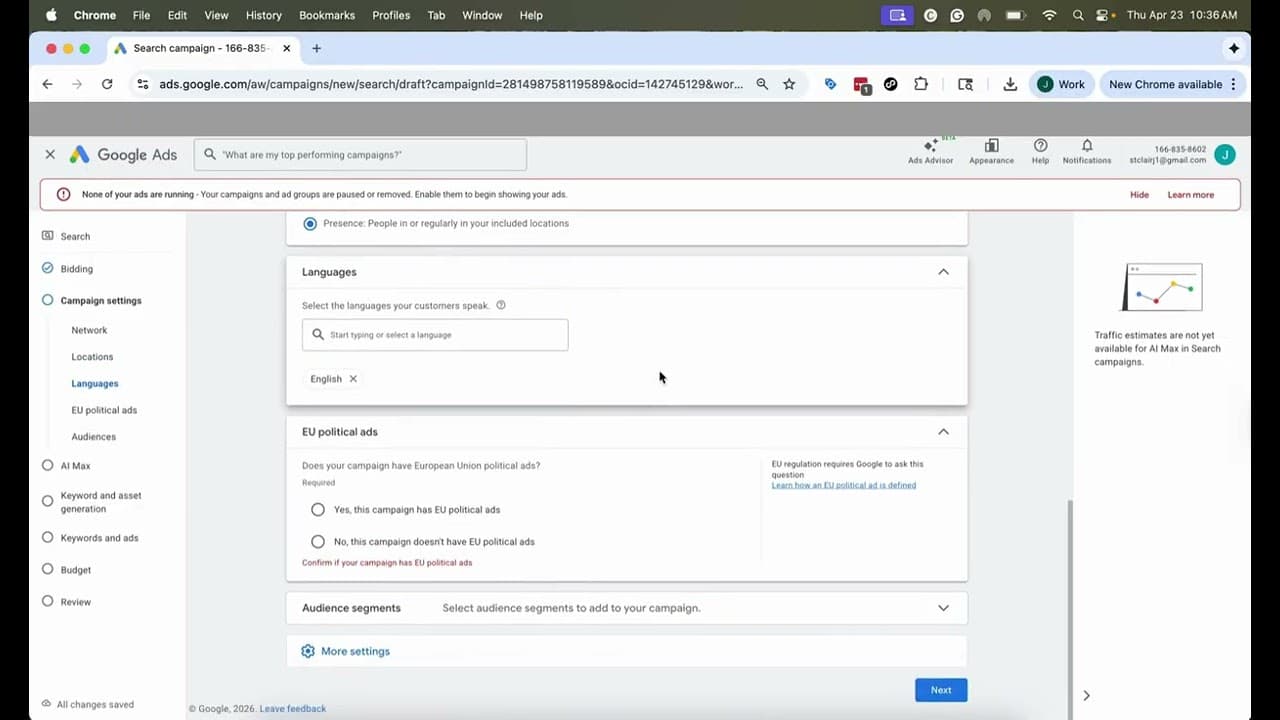
This 20-minute walkthrough builds a Google Ads Search campaign for a Christmas light or permanent lighting company the right way, click by click. Follow along with your own account open.
Chapters
- 00:00 — Intro
- 00:35 — Objective and campaign type (why Search, not Performance Max)
- 01:24 — Conversion tracking basics: form fills and calls
- 02:28 — Naming your campaign
- 03:10 — Bidding for conversions, not clicks
- 03:56 — Target cost per lead: why to wait 30 days or 10 conversions
- 05:18 — Networks: turn Search Partners and Display off
- 06:11 — Location targeting
- 06:54 — Presence vs. interest (only pay for people in your area)
- 08:32 — Audience segments: homeowners vs. renters
- 12:07 — The broad match setting that turns “permanent lighting” into “light up snowman”
- 12:59 — Keywords
- 14:37 — Writing headlines and descriptions that get the call
- 17:25 — Reviewing your ad
- 18:10 — Callouts and assets
- 19:01 — Setting a budget (small is fine)
- 19:44 — Final review and publish
The five settings that decide whether Google Ads makes you money
1. Run Search only. Skip Performance Max.
Google pushes Performance Max hard because it spends your budget everywhere: Search, YouTube, Gmail, Display. For a lighting contractor that means paying to show ads to people who were not looking for you. Search is the bread and butter: someone typed “christmas light installers near me” and is ready to get quotes. Start there. Turn off the Search Partners network and Display expansion too. Both are lower intent and both are on by default.
2. Bid for conversions, not clicks.
A conversion is the action you actually want: a form fill or a phone call from your site. If you bid for clicks, Google happily sends you a lot of cheap, low-intent visitors and your budget disappears with nothing to show for it. Choose Conversions in the bidding dropdown and turn on enhanced conversions so Google can still count the lead when someone leaves and comes back later.
3. Do not set a target cost per lead on day one.
Google lets you tell it “only pay $250 per lead.” Tempting, but on a new campaign it caps your volume before Google has learned who converts. Run without a target for the first 30 days or until you have 10 or more conversions, look at what your leads actually cost, then set a target a little below that and tighten it over time.
4. Only pay for people who are actually in your area.
Google offers two location options: presence or interest, and presence. Interest means someone in Columbus searching “outdoor lights Cleveland” sees your Cleveland ad. Presence means only people physically in Cleveland do. Presence-only is higher intent and it is the right starting point. Test the broader option later, once you have conversion volume to compare against.
5. Leave broad match off.
Buried in the settings is an option that makes every keyword broad. Turn it on and “permanent Christmas lighting” starts matching “Christmas lights” for DIY homeowners, and eventually “light up snowman.” Keep it off until the campaign is fully optimized, and even then, treat it as an experiment with its own budget.
Two more things worth stealing from the video
Add homeowner and renter audience segments in observation mode. You are not narrowing who sees the ad. You are letting Google measure performance by segment so it bids less toward renters on its own. Do not target homeowners only: Google cannot classify 30 to 40 percent of people and you would cut them all out.
Write ads that sound like a contractor, not a wizard. Mix your keywords with your offer: “Get a free quote,” “Installs start in September, call now.” Add callouts and sitelinks so your ad takes up more of the page. A small budget is fine. Google will spend what you give it.
Next in this series
Before you spend on ads, make sure the free channel is set up right: our Google Business Profile guide for lighting contractors covers the service-area rules, the categories that actually rank, and the review cadence. After that: conversion tracking, so Google knows which clicks turned into leads.
Turn those leads into signed jobs
Ads get the homeowner to call. Closing the job is easier when they can see their own house lit up before they say yes. Strandr lets you upload a photo of the house, drag lights onto it, and send the homeowner a mockup in minutes. 1,700+ contractors use it to close more jobs. Start your free 7-day trial.
